
 FEATURED GAMESKATE 3Original game artwork
Take the long way home.
Own game filesLine up a jump, land your trick and find a new route through the skate park. This fan browser build uses converted files from your own Skate 3 copy.
Explore 91 Radiant Optimizer browser games, including free games and demos. No install or sign-up needed to browse. Choose a browser-ready title or follow clearly marked own-file setup.
FEATURED GAMESKATE 3Original game artworkLine up a jump, land your trick and find a new route through the skate park. This fan browser build uses converted files from your own Skate 3 copy.
Choose by the session you want, rather than the biggest game name.
Filter by how you play, compare setup and open a game’s individual guide.
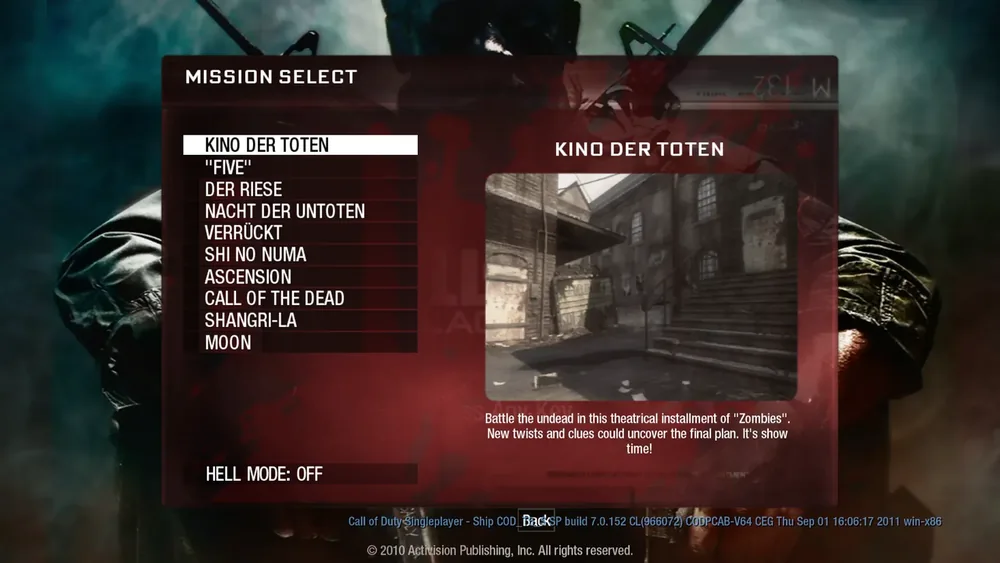 ShooterBO1 Zombies
 ShooterHalo CE
SportsSkate 3
ShooterHalo CE
SportsSkate 3
 AdventureVice City
 ShooterQuake
 ShooterQuake III
 RPGDiablo
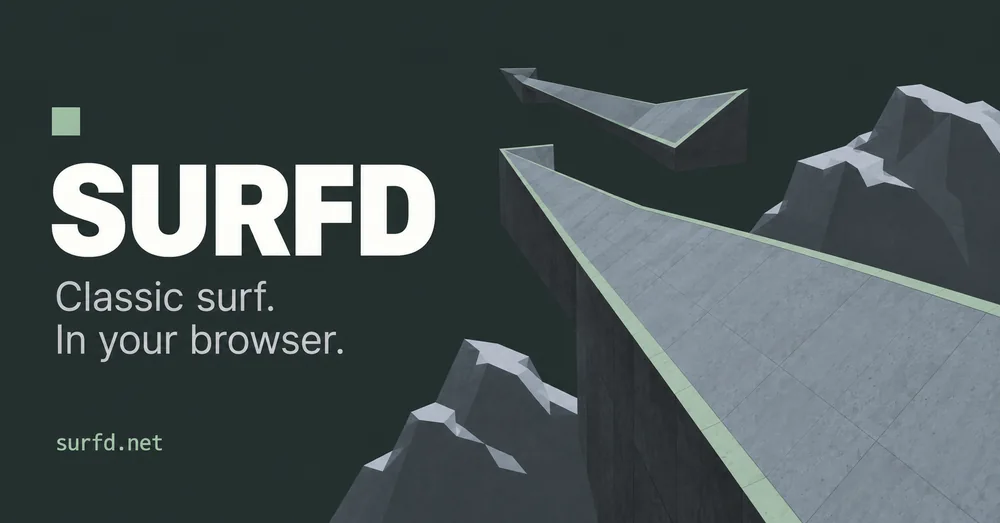 ShooterCS Surf
 ShooterMoon
 ShooterKino
 SportsSkate Rust
 ShooterHalo Mobile
 SportsPES 6
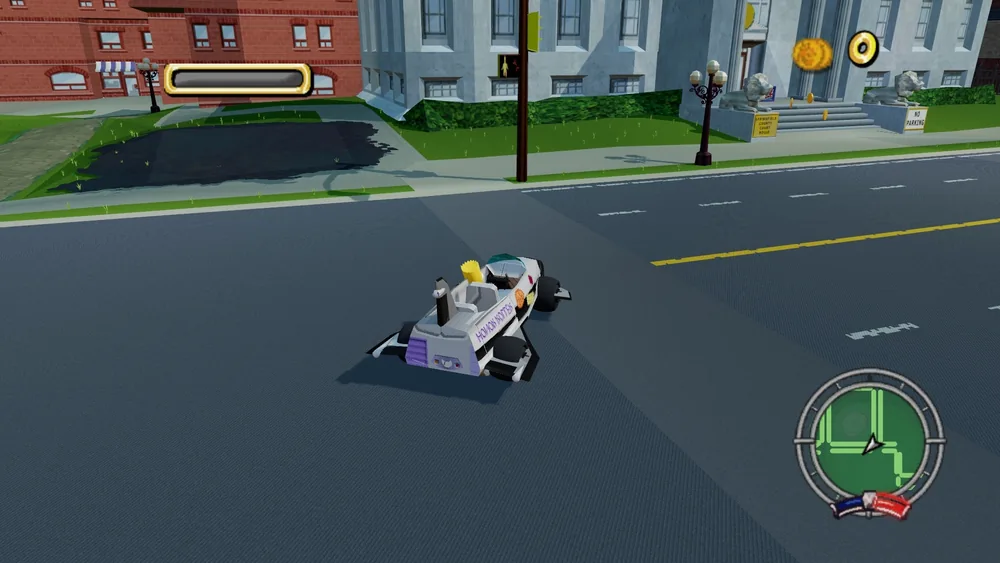 AdventureHit & Run
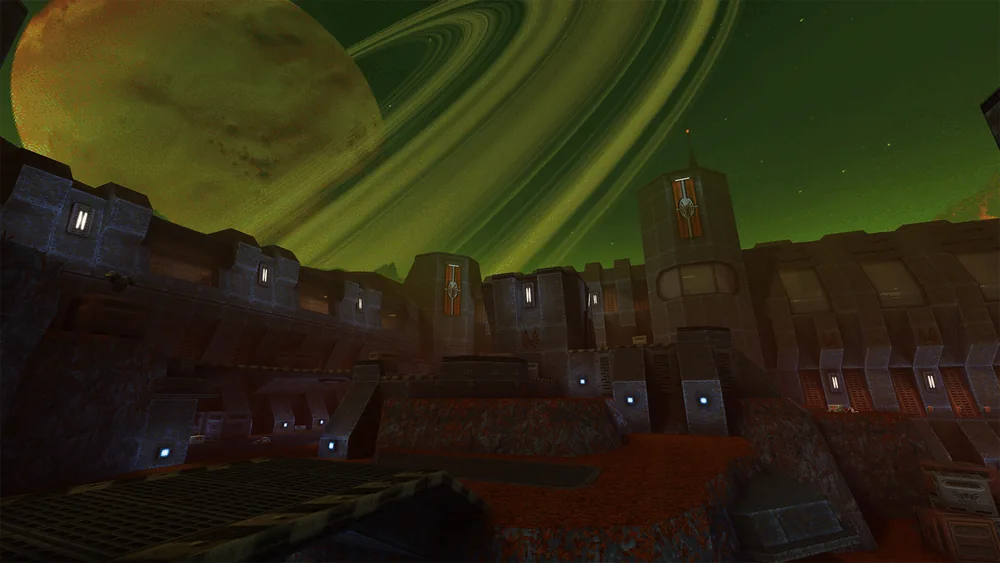 ShooterQuake II
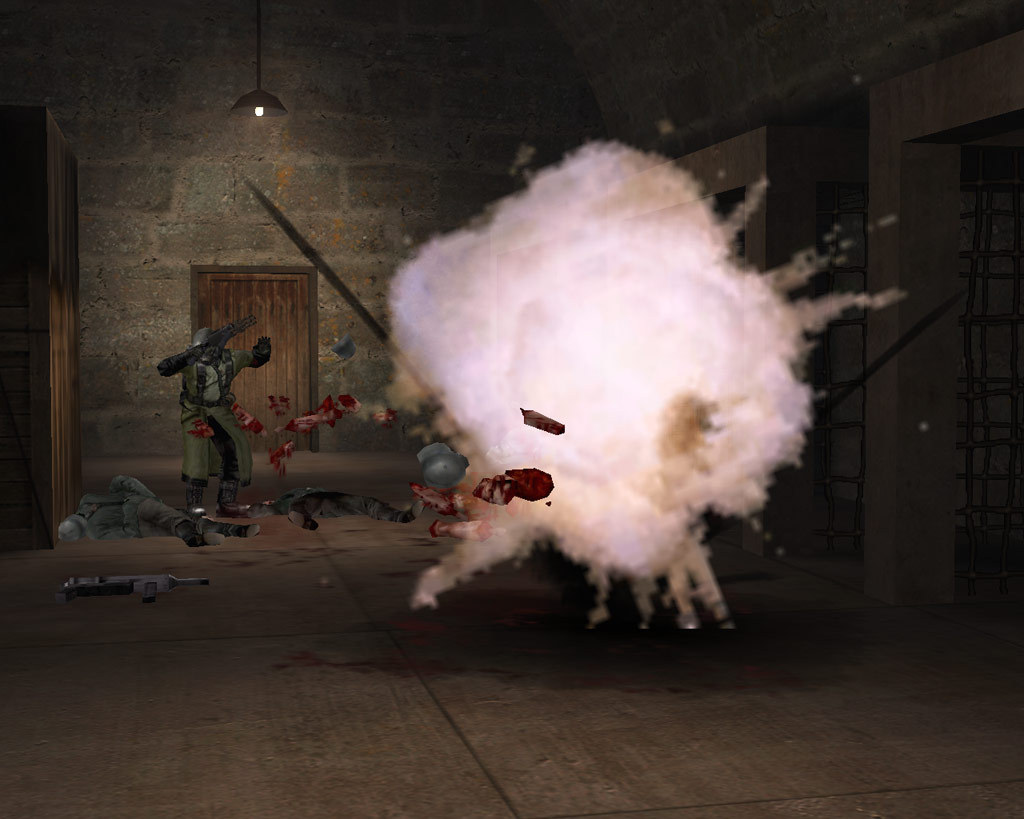 ShooterWolfenstein
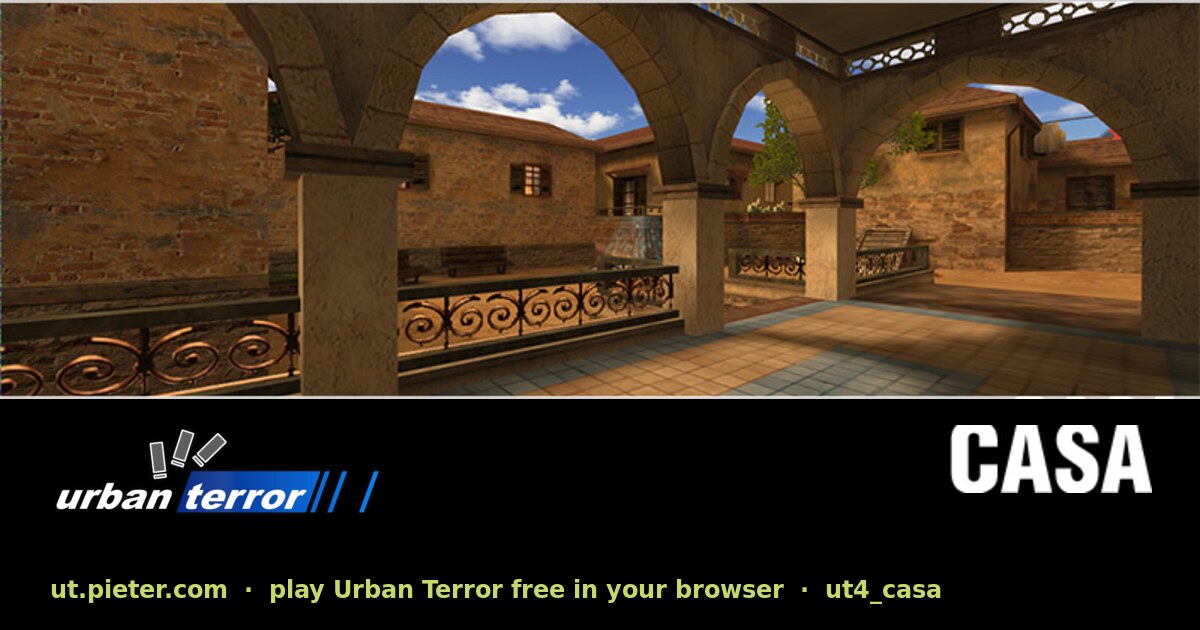 ShooterUrban Terror
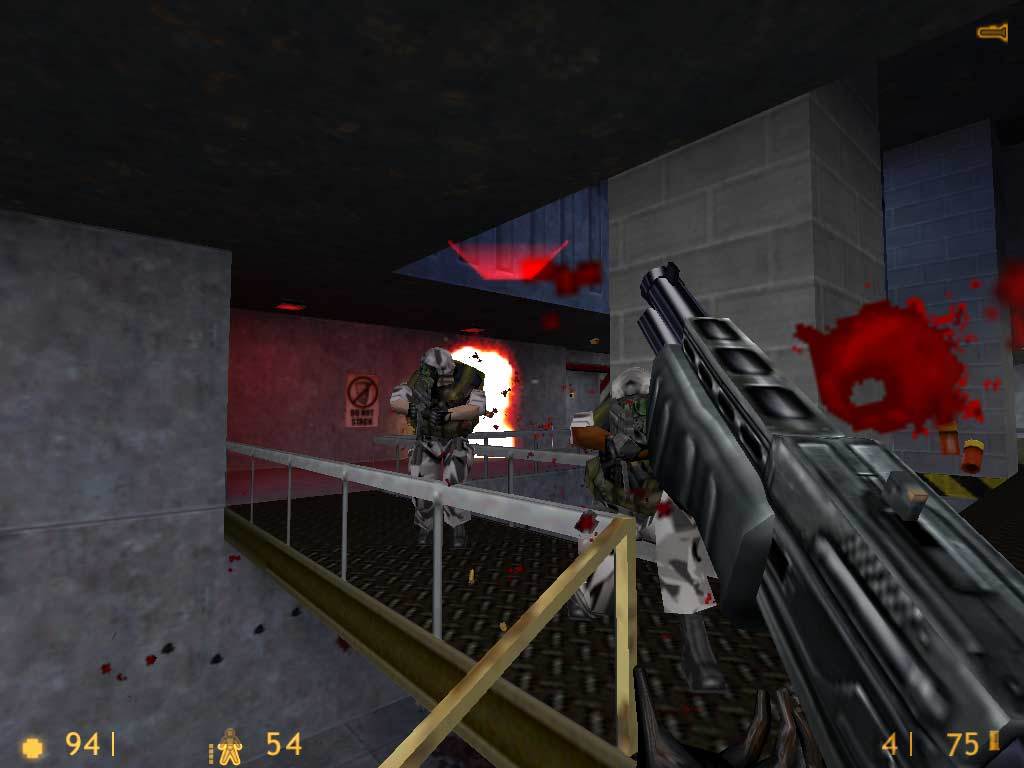 ShooterHalf-Life
 ShooterWebXash
 CollectionWASM Arcade
 AdventureMinecraft
 AdventureLEGO Island
 RPGMorrowind
 StrategyRed Alert 2
 StrategyJagged Alliance 2
 ShooterDoom 3 Demo
 RPGArx Fatalis Demo
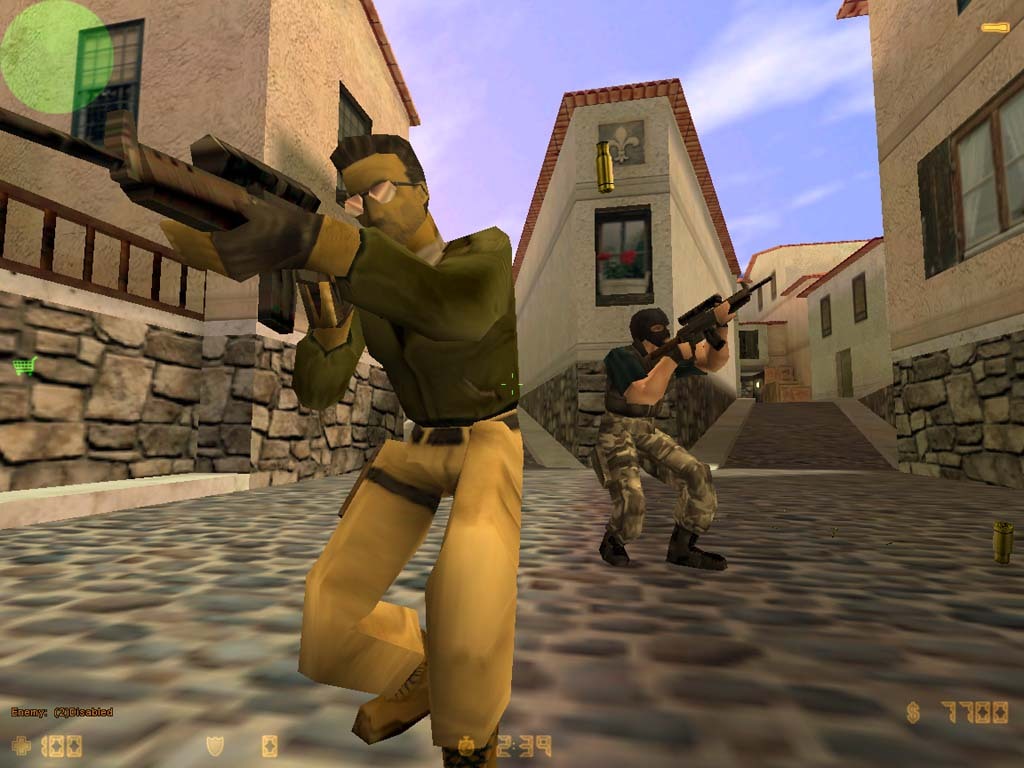
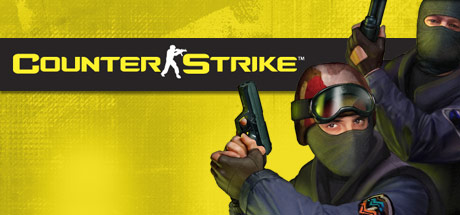 ShooterCounter-Strike 1.6
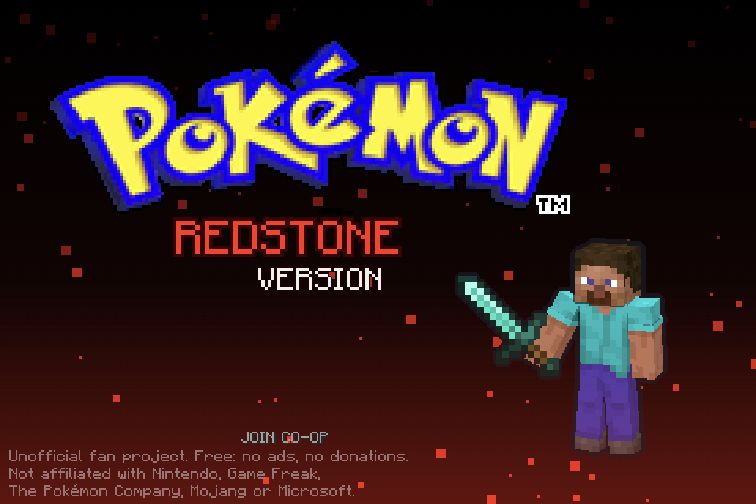 RPGPokémon Redstone
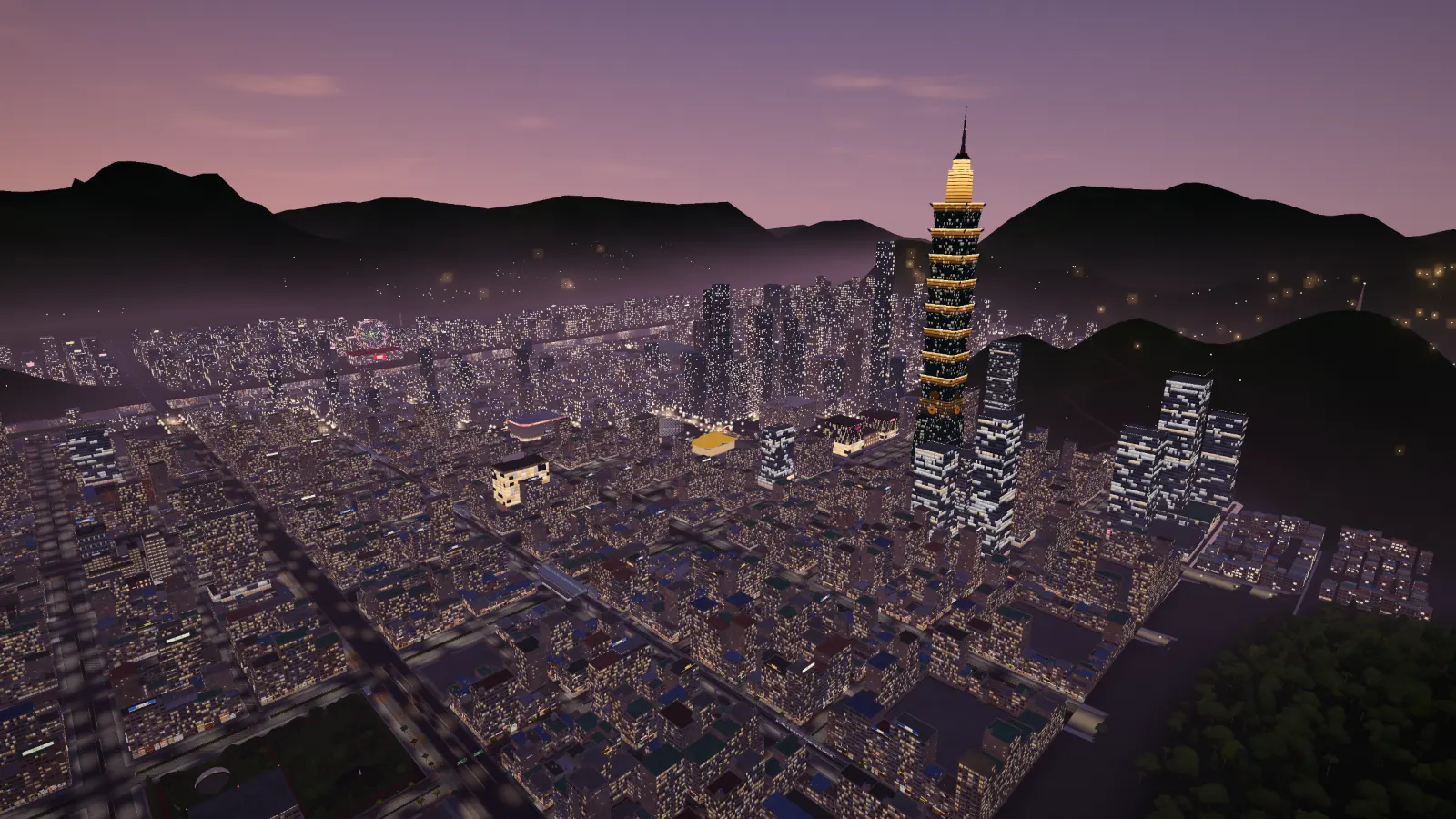 AdventureTaipei Rush
ShooterNacht der Untoten
AdventureTaipei Rush
ShooterNacht der Untoten
 AdventureGTA III
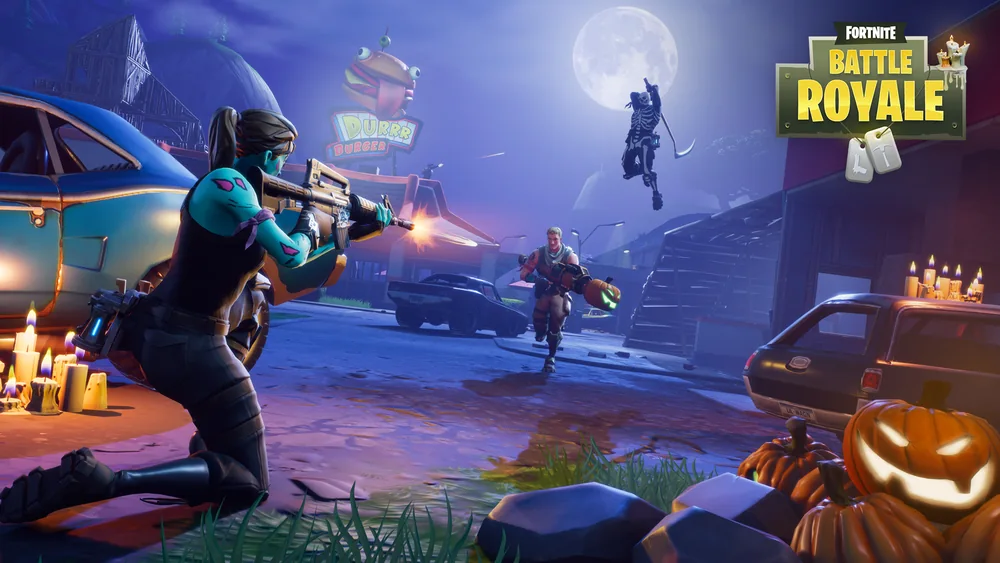 ShooterFortnite 1.8
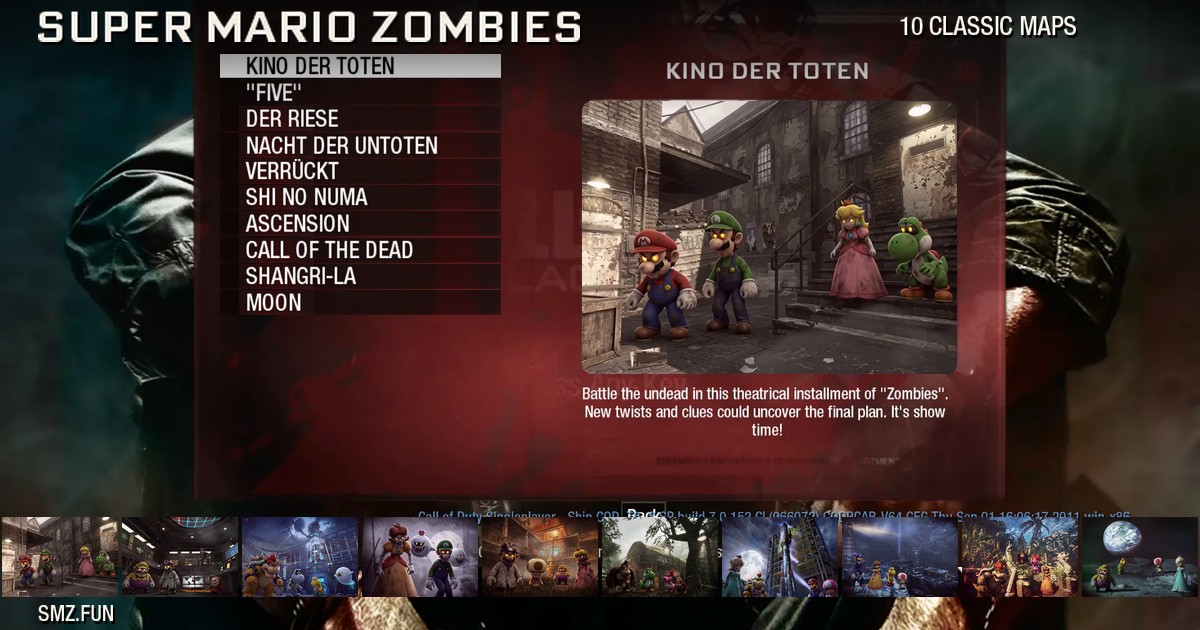 ShooterSuper Mario Zombies
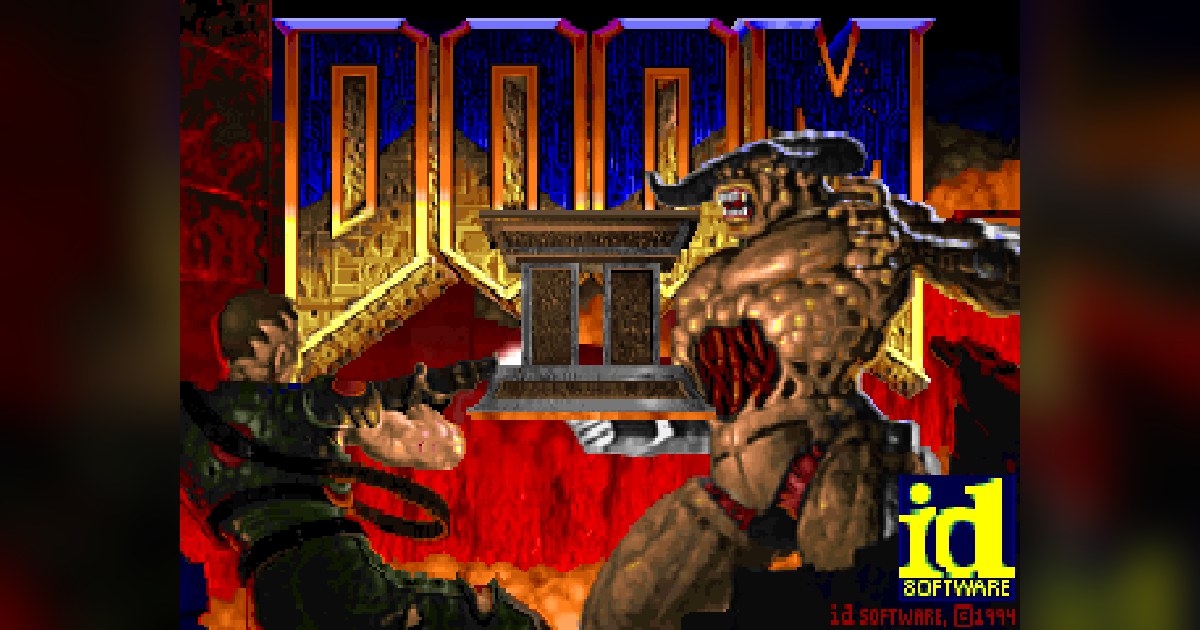 ShooterDOOM II Multiplayer
SandboxMinecraft 1.8.8
ShooterDOOM II Multiplayer
SandboxMinecraft 1.8.8
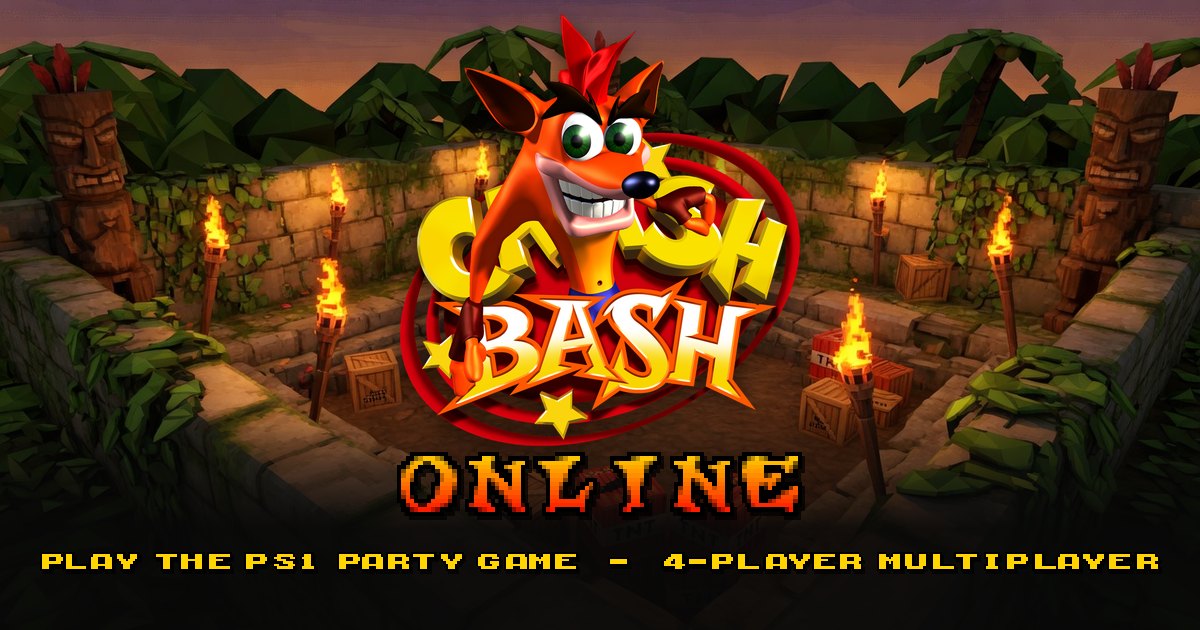 ActionCrash Bash Online
 RPGRuneScape Classic
 ActionThe Binding of Isaac: Repentance+
SandboxMinecraft Classic
ActionThe Binding of Isaac: Repentance+
SandboxMinecraft Classic
 ShooterRedcoats.io
 AdventureSalty Seas
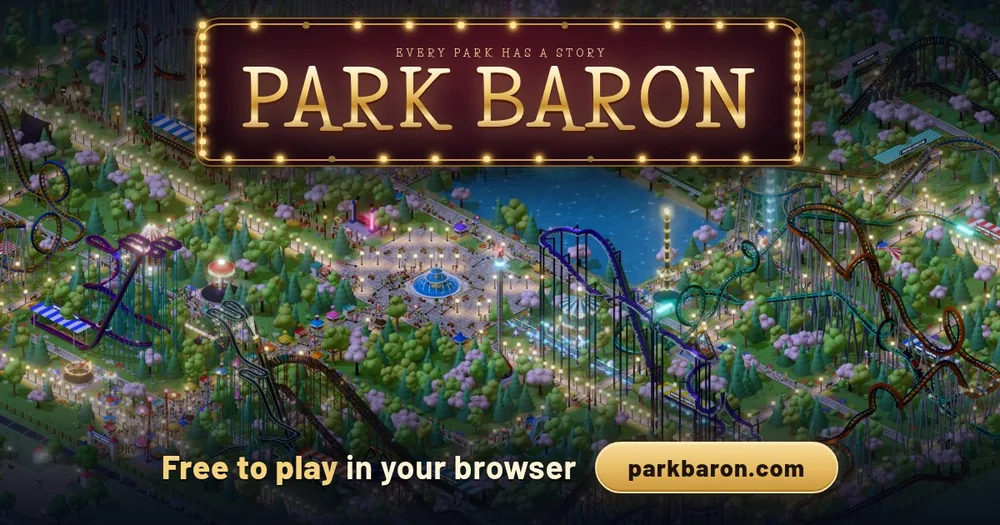 SimulationPark Baron
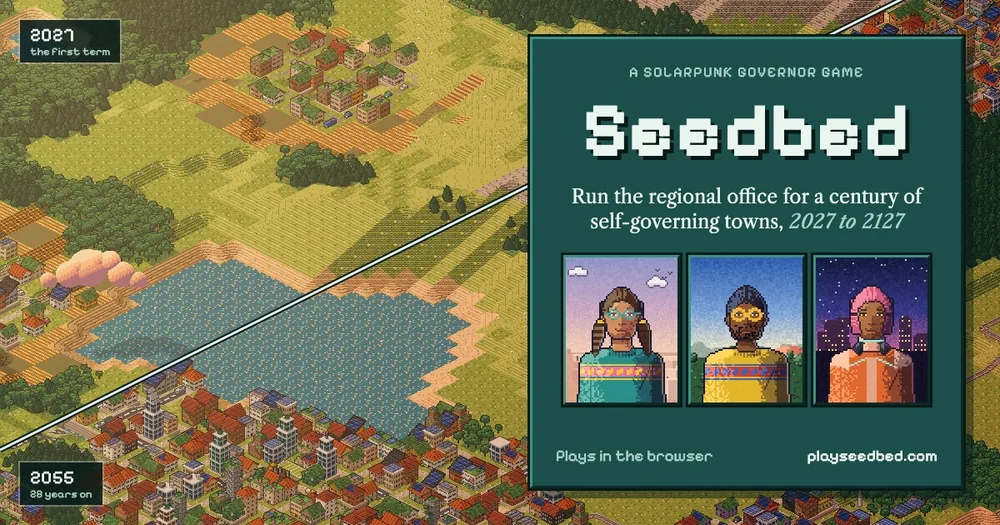 SimulationSeedbed
 ShooterDOOM
 ShooterDOOM II
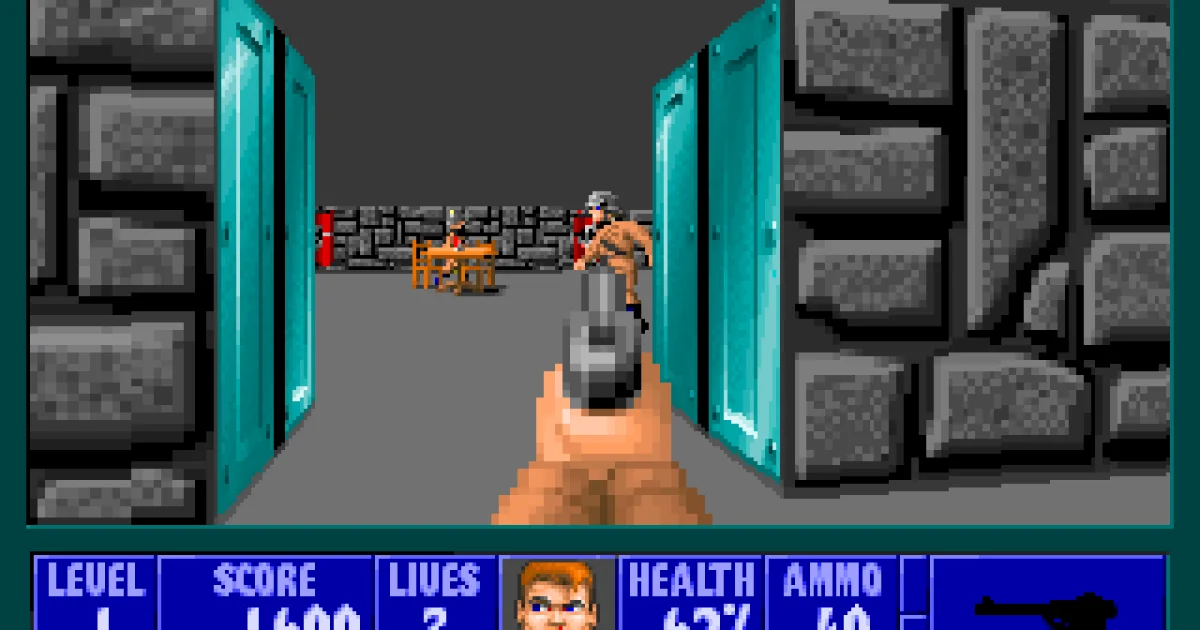 ShooterWolfenstein 3D
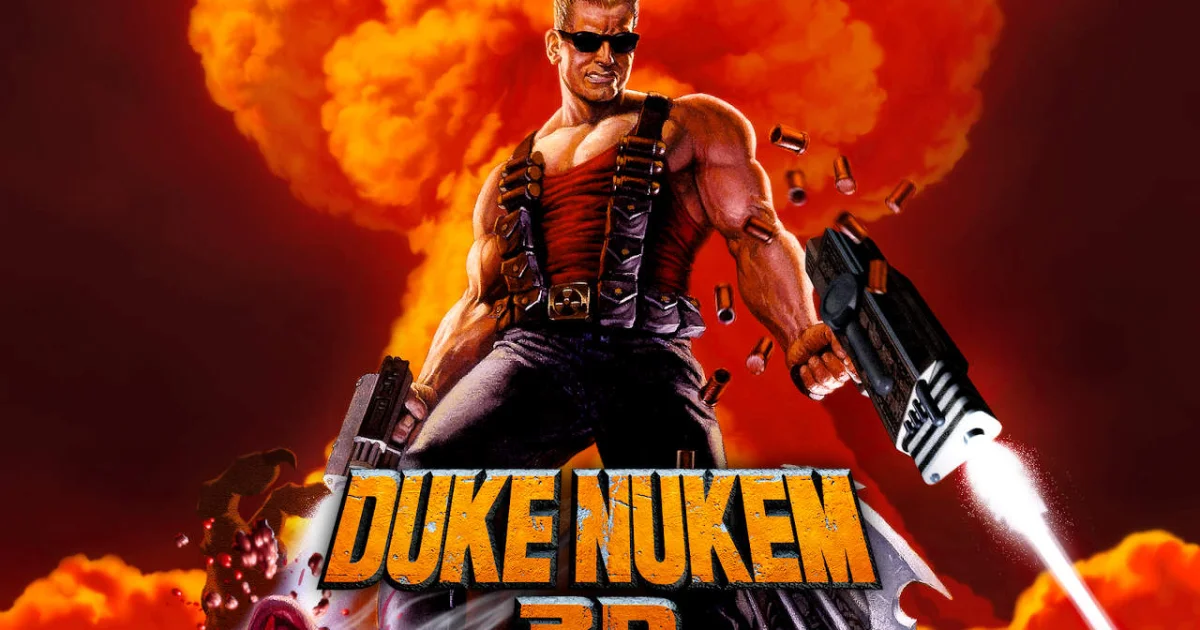 ShooterDuke Nukem 3D
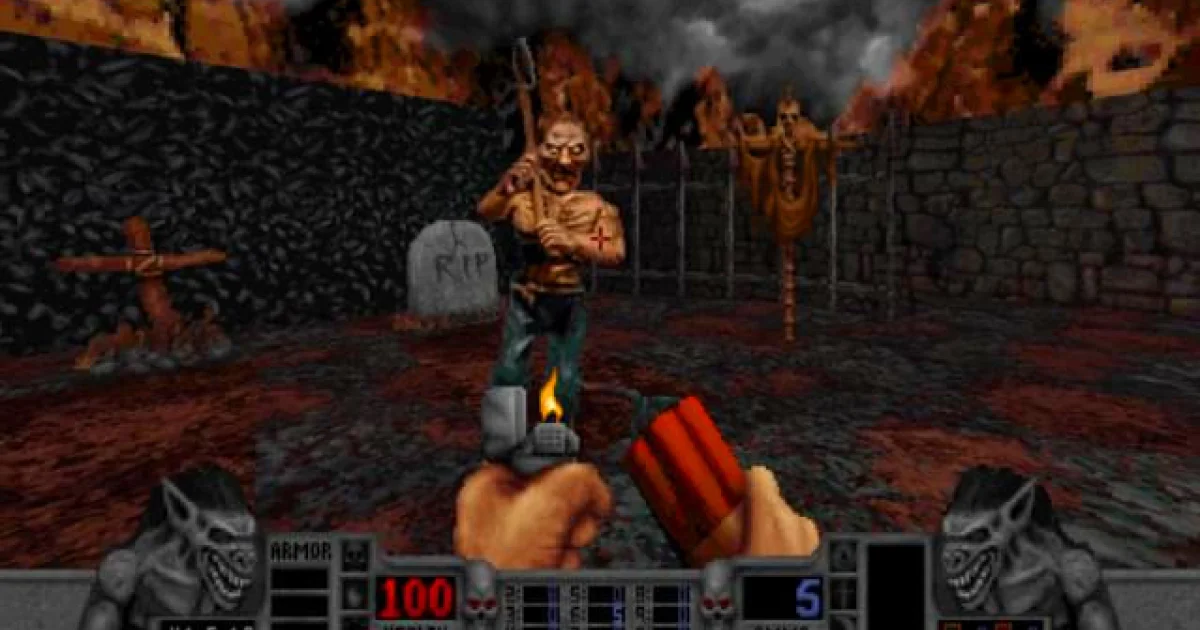 ShooterBlood
 StrategyOpenTTD
 StrategyDune II: The Building of a Dynasty
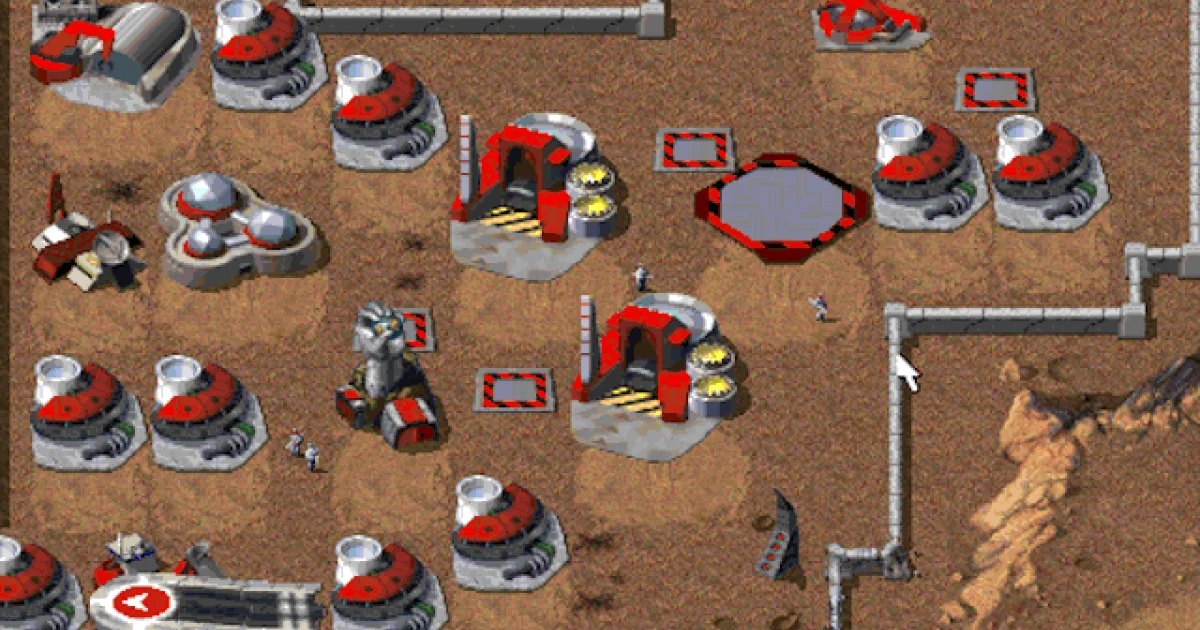 StrategyCommand & Conquer
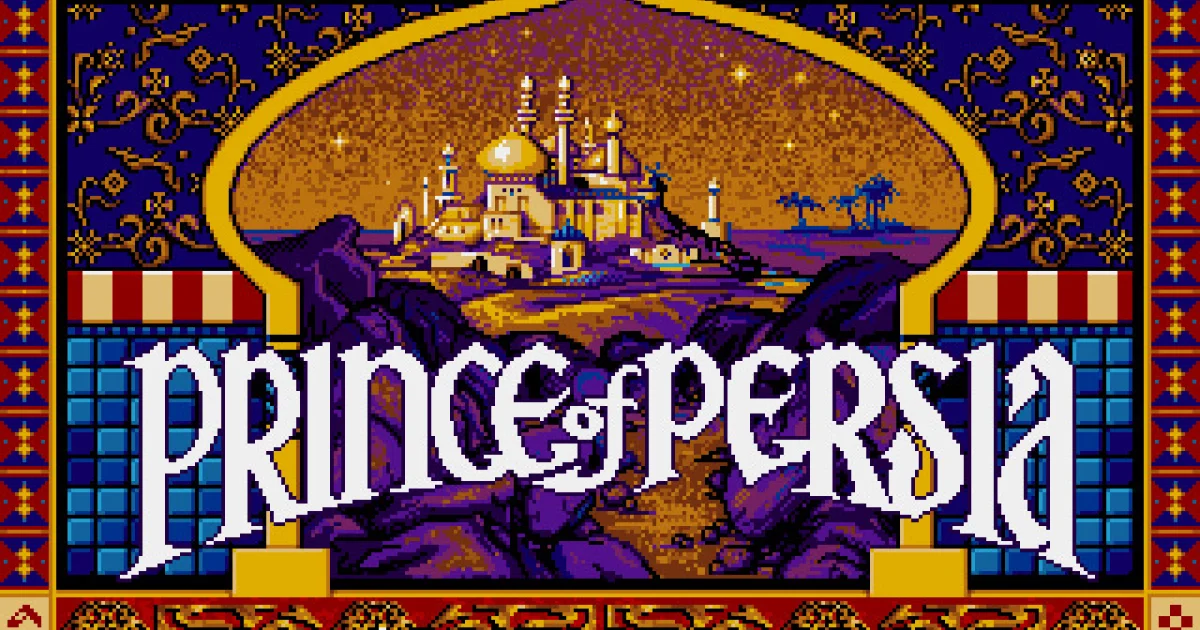 ActionPrince of Persia
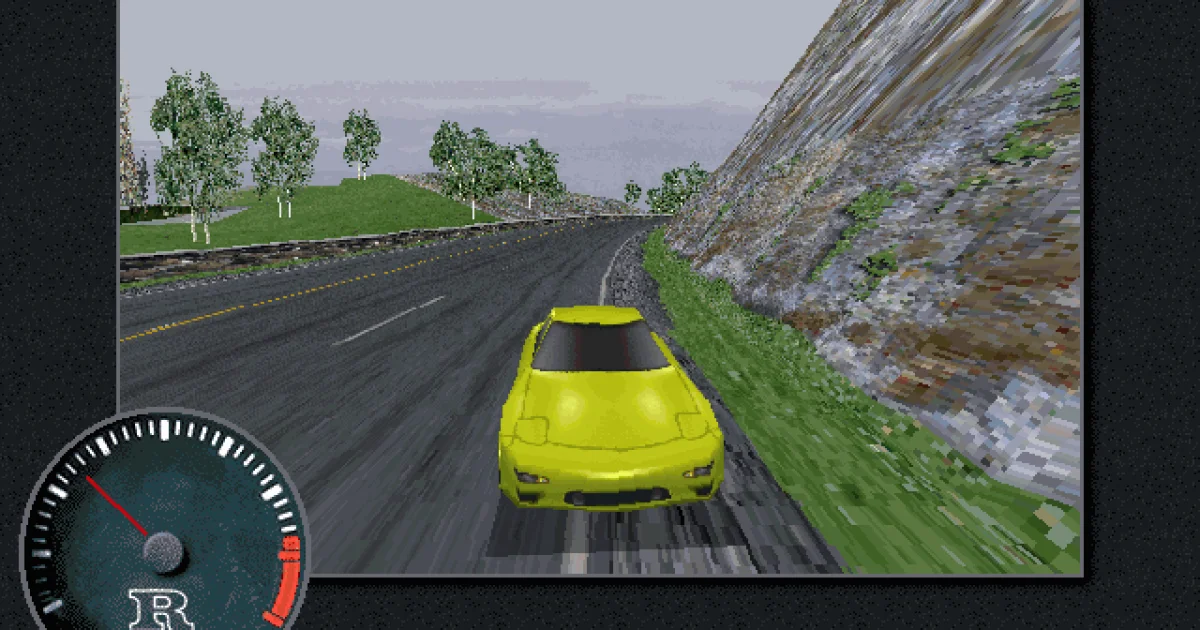 RacingThe Need for Speed
 StrategyHeroes of Might and Magic II
 SimulationSimCity 2000
 ActionCuphead
 SimulationStardew Valley
 MultiplayerAmong Us
 HorrorLethal Company
 AdventurePEAK
 StrategyRimWorld
 StrategyInscryption
 HorrorMiSide
 AdventureOneShot: World Machine Edition
 PuzzleHelltaker
 PuzzleFEZ
 ActionBrotato
 ShooterRavenfield
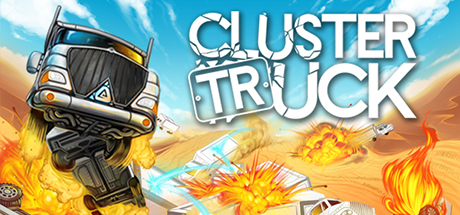 ActionClustertruck
 StrategyPlague Inc
 SimulationLobotomy Corporation
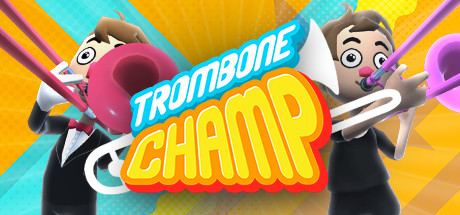 MusicTrombone Champ
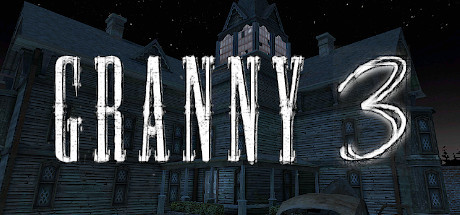 HorrorGranny 3
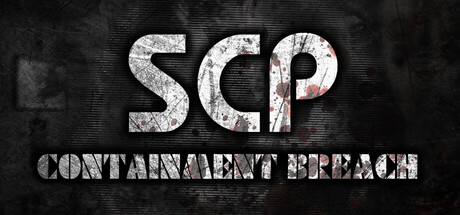 HorrorSCP: Containment Breach
 SimulationAges of Conflict
 Puzzlewhile True: learn()
 ActionCrashout Crew
 SportsToasterball
 AdventureOpenLara / Tomb Raider Demo
PlatformerPrince of Persia / PrinceJS
AdventureOpenLara / Tomb Raider Demo
PlatformerPrince of Persia / PrinceJS
 RacingHexGL
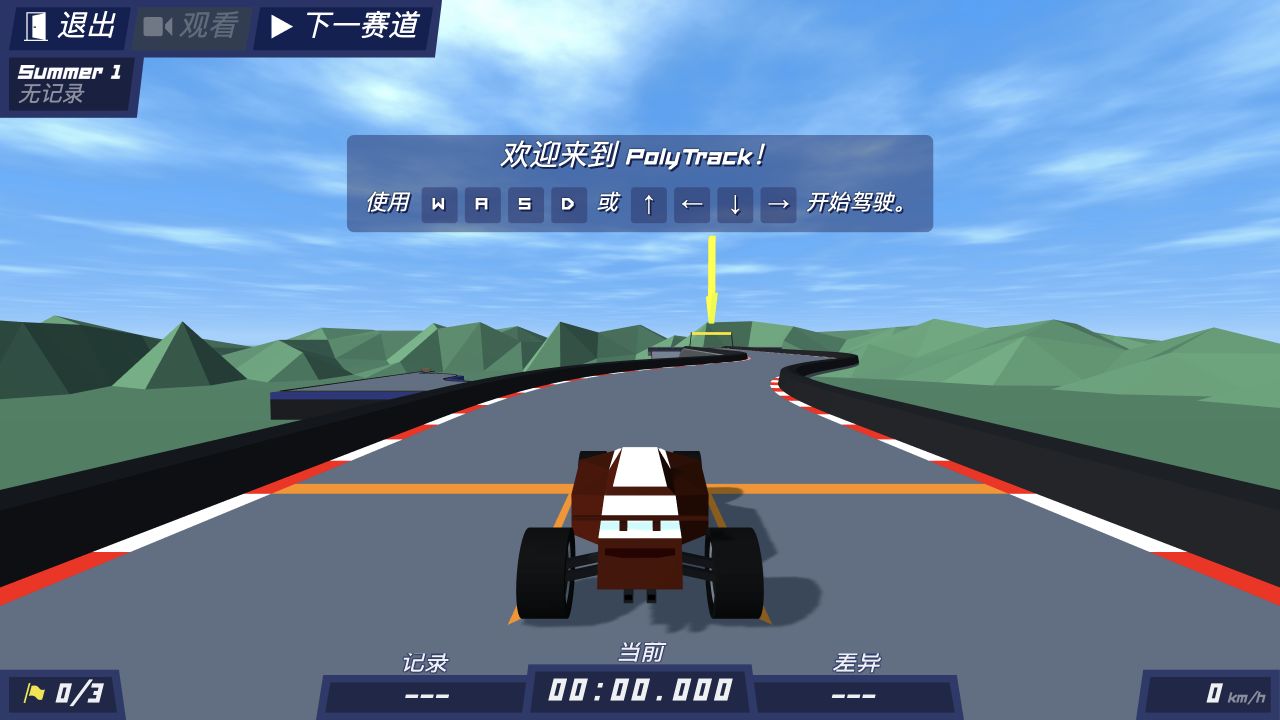 RacingPolyTrack
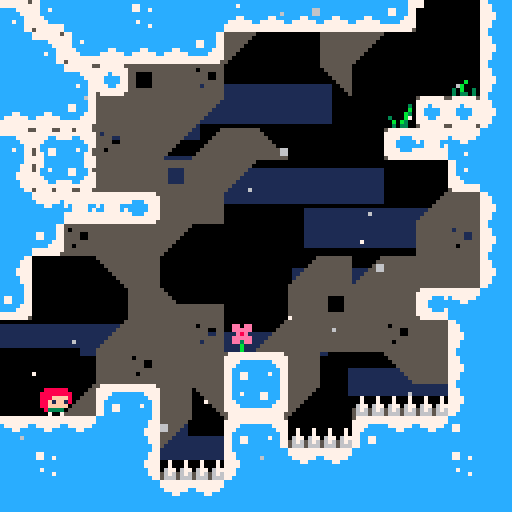 PlatformerCeleste Classic
 PuzzleLittle Alchemy 2
 Puzzle2048
 ShooterCheese Cube
 ShooterVibe Slops II
 ShooterMW2
 AdventureGTA 5
 StrategyHedgewars
Try another title or reset the filters to browse this collection.
Find out where the PlayGTA5 archive leads, why an interactive snapshot may stop loading, and how it differs from Vice City.
Understand browser ports and fan remakes, then choose a game by its controls, content and file requirements.
Compare Halo XISO, Vice City game.tar.gz, Diablo MPQ and WebXash folders. Choose a demo or import your own files, then back up saves.
Compare touch and controller options for Halo CE Mobile, PES 6, Quake III, PrinceJS and 2048, plus file, storage and desktop-only limits.
Find the next useful step for a stopped download, a missing game file, a black screen or controls that do not respond.
Find the October 2026 source post and its 25 game links, then use the directory to choose a browser version.
Find the source, compare versions and understand what to prepare before you play. Choose a question for a quick answer and a more detailed guide.
Explore all play guides ↗They are browser-game projects shared by @RadiantOpti on X. The original reply lists 25 entries, and this library also includes more browser games. Browse the original Radiant Optimizer game list to find the projects from that reply.
The game links came from an X post and its separate list reply. The original Twitter / X list guide links to both and helps you find their games in the library.
This is an independent game directory. You can open the browser projects without installing or buying the Windows optimizer. Visit the software page for its official website and support.
This directory is free to browse without signing up. Some projects are free browser games, some offer a limited demo, and others need files from a game you own. An external host may require an account for online play. Diablo Web, for example, has a free shareware demo and a separate own-MPQ option for the full game. Each game guide explains the available version.
Many projects launch in a tab without a desktop installation, but the browser still downloads their resources. Others import local files: Halo CE uses an XISO and Vice City imports game.tar.gz. See game downloads, demos and file imports for what to prepare.
Halo, Halo CE Mobile, Skate 3 and Vice City have own-file setup. Diablo and WebXash offer limited demos alongside full-game imports. Browse own-file projects, or use the file preparation guide to compare formats.
Check whether it is downloading resources, waiting for a game file or already running with a graphics or input problem. Keep the tab open while progress changes. The browser-game loading guide gives the next steps, including how to keep saves before a reset.
Play now opens a browser project. Play demo starts a limited trial. Set up & play or Play with your files means you need to prepare your own game data. The game guides explain the version and its startup steps.
Choose a short session that matches your controls: 2048 for a number puzzle, Celeste Classic for platforming or PolyTrack for racing. Diablo’s free demo is a useful introduction to dungeon combat. For zombie survival, start with BO1 Zombies and leave time for the first map load.
Browse games with mobile controls. Halo CE Mobile offers touch layouts and controllers, and Quake III supports mobile input. Read the iPhone and Android setup guide for control choices, storage and graphics settings.
Start with the browser recommended by your game’s host. RTCW recommends desktop Chrome, while local-folder imports in some projects need a Chromium browser. The game guide and loading guide explain the setup for your chosen title.
Choose a project with the feature you want. Halo CE Mobile offers controllers and its own multiplayer options; Quake III supports gamepads and online matches. QuakeWorld and Surfd also offer multiplayer. Use the selected host’s controls and room instructions to join the same version.
Projects that save to your browser can keep progress between visits, but clearing site data or changing profiles can remove it. Export important saves before a reset or a move to another device. The game files and saves guide explains what to keep.