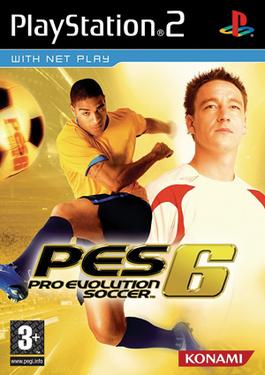
About PES 6 Web Online
PES 6 is a football game built around controlling a team through complete matches. You work the ball through passes, choose when to dribble or shoot and switch to defending when possession changes. This browser project specifically identifies the PSP edition, so its presentation and menus should be understood as that version rather than the separate PC or home-console releases.
A patient first match is useful for learning the balance between movement and ball control. Short passing sequences help you see teammates’ positions without losing the ball to an ambitious attempt. On defense, keep a useful shape and watch the opponent’s next pass instead of sending every player toward the ball. The browser project adds practical options for touch input, controllers, saved games and option files, making the setup part of preparing a comfortable match.
How to play
- Move the ball through passing, dribbling and shooting.
- Switch between attacking and defending as possession changes.
- Use the PSP edition’s match menus with keyboard, touch or controller input.
Beginner tips
- Learn short passes and shooting before attempting long combinations.
- Choose the lighter no-commentary option if startup resources are limited.
- For slow performance, begin with 1x resolution and 30 FPS before raising settings.
Play in your browser
This independent port runs the PSP version and offers touch controls, gamepads and PSP/SAVEDATA imports. Start with its Controls panel, and read the Online tab for the current room setup.
Need a hand getting started? See game files and demos or the loading guide.