About Fortnite 1.8 — Browser Project
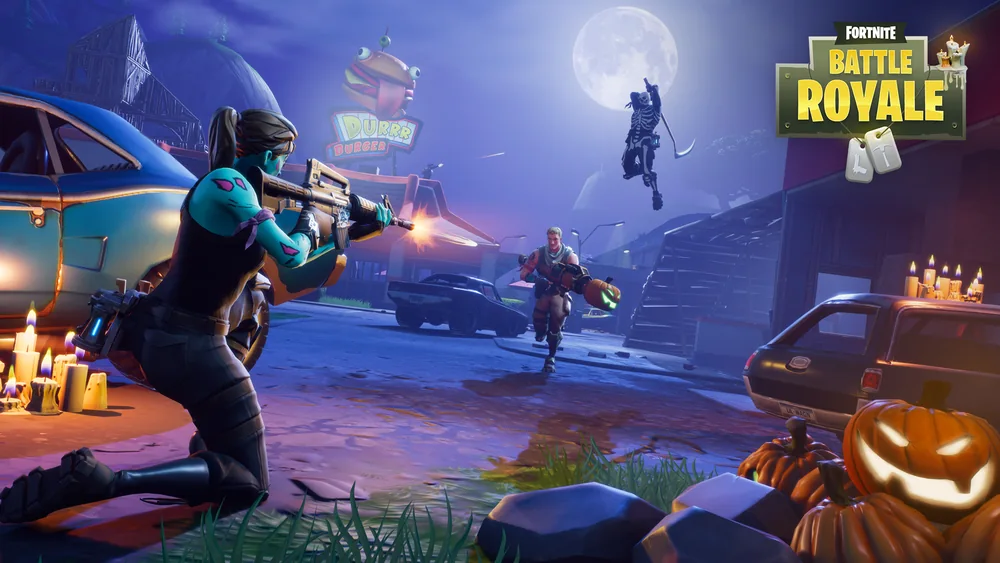
This entry points to an independent browser project themed around Fortnite version 1.8. Early Fortnite Battle Royale combined scavenging and shooting with the ability to build cover, making every encounter partly a positioning problem. A useful weapon was only one piece of the plan: you also needed supplies, a route through the map and a way to respond when the safe area changed.
That original design is the best way to approach a first session here without assuming it mirrors today’s Fortnite service. Learn the movement and weapon controls, practice a simple piece of cover and keep track of the next safe destination. This launcher offers a solo option and private-lobby play with a code. Start with a quiet opening and a few familiar tools instead of trying to master every weapon and building action at once.
How to play
- Choose Solo or create a private lobby, then gather the equipment available in that match.
- Use movement, shooting and simple building actions to manage encounters.
- Follow the mode’s survival objective and any changing safe-area prompts.
Beginner tips
- Practice basic movement and one useful cover structure before a demanding encounter.
- Keep a short-range and a longer-range option if the mode provides both.
- Plan your next safe destination before spending too long searching one area.
Play in your browser
The independent launcher offers Solo and private lobbies with invite codes. Use a desktop Chromium browser with WebGPU; 16 GB RAM is recommended, and the first load downloads data that later visits can reuse from the browser cache.
Need a hand getting started? See game files and demos or the loading guide.