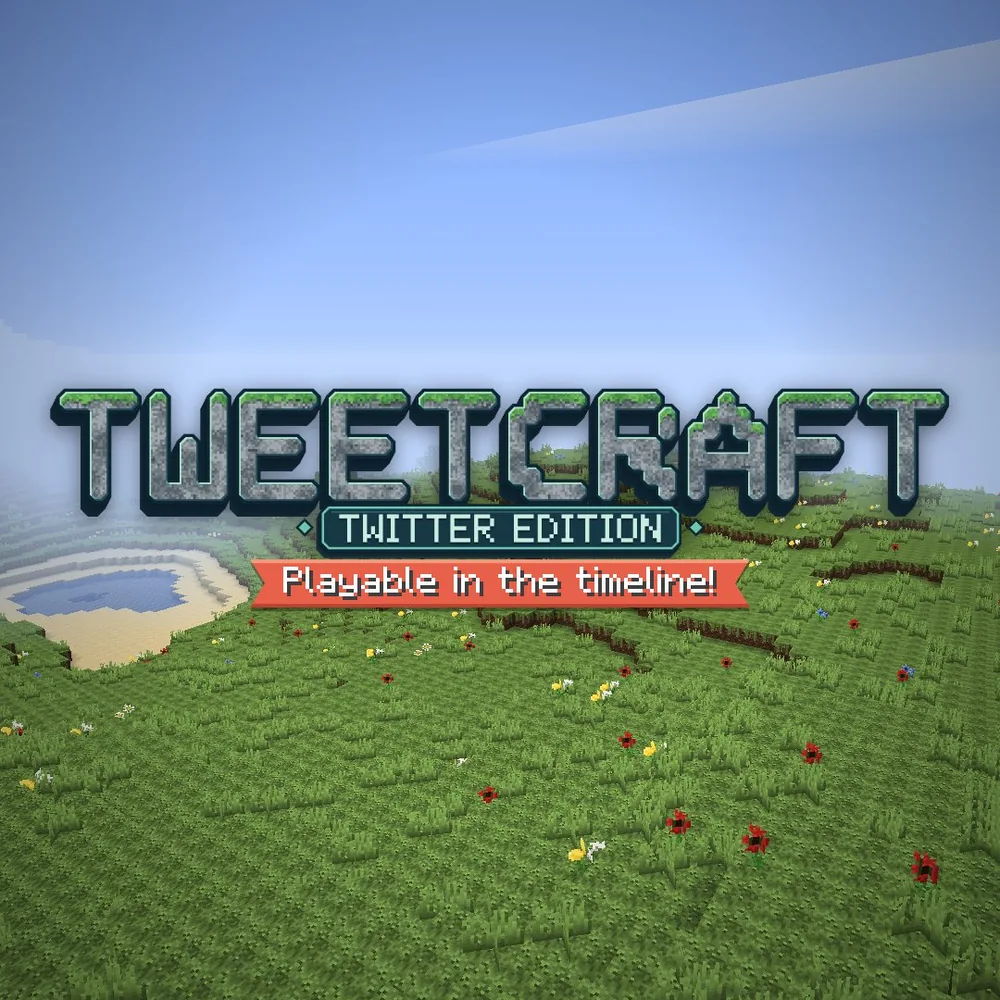
About Minecraft Classic
Minecraft Classic takes you back to the early building sandbox rather than the modern survival game. Its appeal is the directness of the activity: choose a block, put it somewhere and see a shape emerge. With the original limited palette, a small cabin, a bridge or a tower is enough to become a satisfying project without a crafting progression standing between the idea and the result.
This official browser release preserves the feel of Minecraft’s earliest era, including its limitations and quirks. Treat the available space and block types as a creative constraint. Start with an outline on the ground, decide how large the build should be and add detail only after the main form works. That makes it easier to finish something recognizable than placing blocks without a plan. If you came looking for hunger, modern creatures or later updates, the separate Minecraft 1.8.8 entry offers a different style of play.
How to play
- Choose from the Classic block palette and build simple structures.
- Remove and replace blocks to reshape the surrounding terrain.
- Experiment with scale, paths and recognizable landmarks in a compact creative sandbox.
Beginner tips
- Mark the footprint of your build before putting up its walls.
- Use a small number of block types so the overall shape remains clear.
- Make a simple landmark near your starting point to help you stay oriented.
Play in your browser
This is the official Minecraft Classic browser release, with the original 32-block palette. It requires a keyboard and browser support for WebGL/WebRTC; it is separate from modern Minecraft Survival.
Need a hand getting started? See game files and demos or the loading guide.