About Minecraft · Tweetcraft
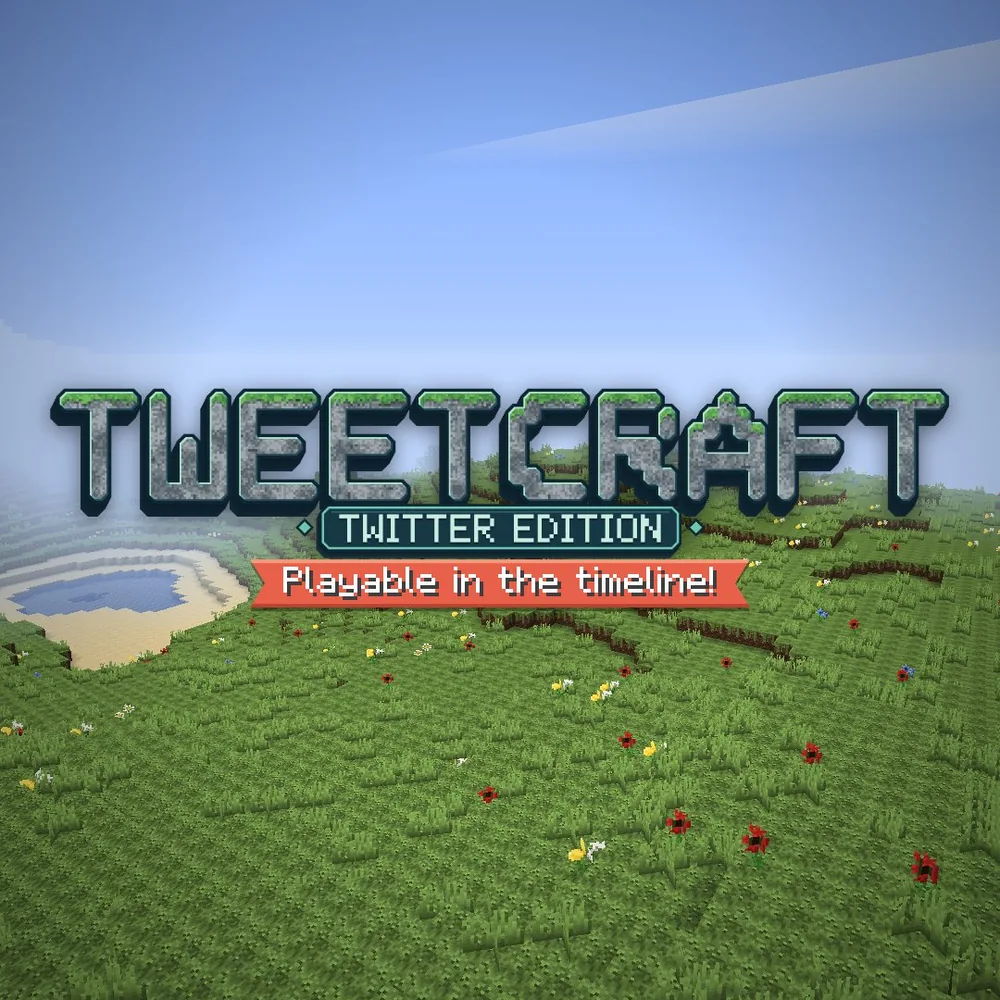
Tweetcraft is a Minecraft-inspired browser project with its own world-creation and multiplayer interface. Its starting menu offers Creative and Survival choices. Creative provides unrestricted materials, flying and immediate block removal, making it a useful place to experiment with a small structure. Survival instead centers on collecting resources, crafting and staying alive, with additional choices for player combat and inventory retention.
A world is also a place other players can join. The project explains that a world link can be posted on X so people opening it play together, while Creative world settings let you decide who can build. Choose that setup deliberately before inviting anyone. Begin with a clear, small building idea or a basic survival goal, then learn the project's own controls as you explore its block landscape.
How to play
- Choose Creative for unrestricted building or Survival for resource gathering and crafting.
- Set building access in Creative, or review PvP and inventory-retention choices in Survival.
- Use a world link to bring players into the same project world.
Beginner tips
- Start in Creative to learn block editing without managing scarce resources.
- Choose who can build before distributing a Creative world's link.
- Review PvP and Keep Inventory settings before beginning a Survival world.
Play in your browser
Open Tweetcraft's own menu and choose Multiplayer or Create New World. Use this project's world links and settings when joining others.
Need a hand getting started? See game files and demos or the loading guide.