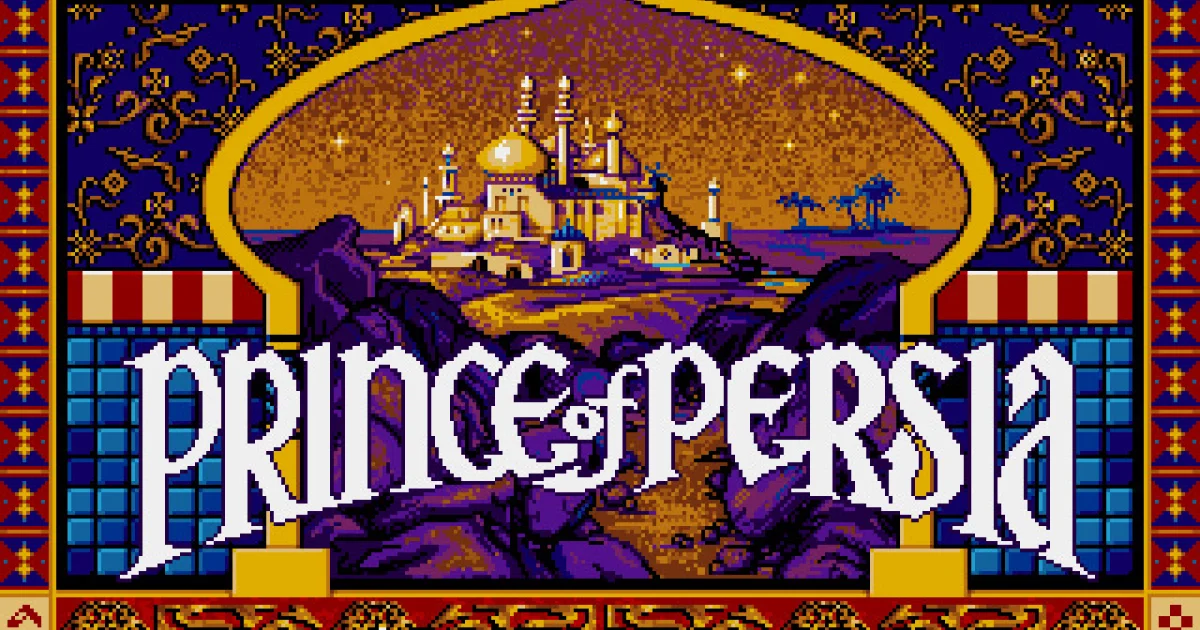
About Prince of Persia / PrinceJS
PrinceJS recreates the MS-DOS Prince of Persia in a browser. Its movement has a deliberate physical rhythm: running, jumping, crawling and climbing are distinct actions, and successful progress depends on knowing which one a piece of terrain needs. A ledge is not just scenery but a place where you may need to grab, pull up or carefully descend rather than make another running jump.
Sword encounters add a second kind of timing. You can advance or retreat, block an attack and choose a moment to strike, while potions and the remaining-time display support exploration. The maintainer documents keyboard, controller and touch mappings, including landscape play for phones. Learn the basic movements in a safe area before trying to rush through a difficult room; precise actions turn intimidating obstacles into repeatable sequences.
How to play
- Run, jump, crawl and climb through the recreated levels.
- Grab ledges and interact with potions using the action input.
- Advance, block and strike during sword encounters.
Beginner tips
- Use Shift to grab a ledge rather than expecting every jump to land.
- Practice blocking before trading repeated attacks with a guard.
- Press Space to check the remaining time after a long detour.
Play in your browser
PrinceJS runs at the maintainer's princejs.com site. Arrow keys and Shift handle the main actions; the repository also explains touch and controller layouts.
Need a hand getting started? See game files and demos or the loading guide.