About The Simpsons: Hit & Run
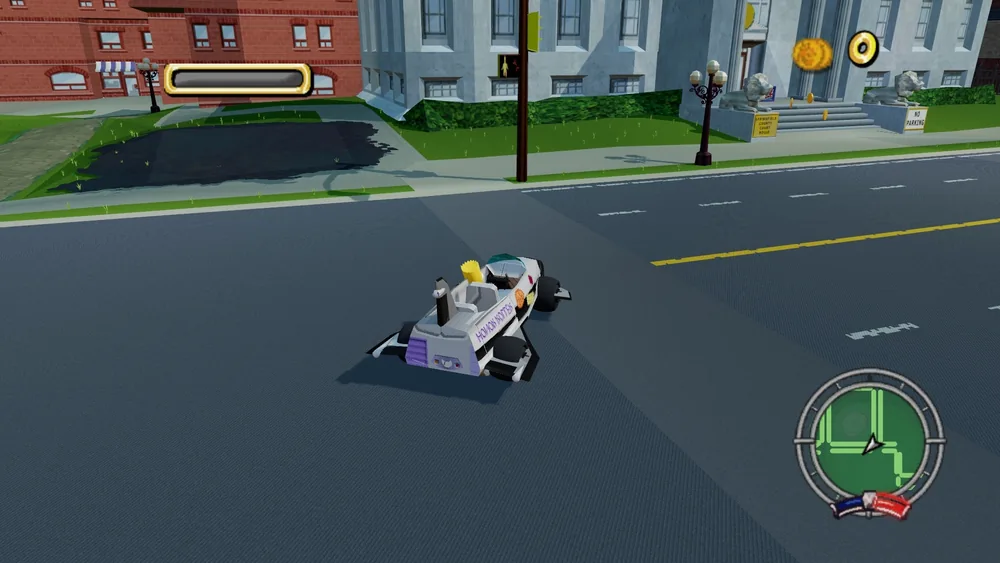
The Simpsons: Hit & Run combines open-world driving with an adventure across Springfield. The original game’s seven chapters follow Homer, Bart, Lisa, Marge and Apu through a mystery involving strange surveillance and suspicious cola. Much of the action happens behind the wheel, but you also leave vehicles to explore and interact with the world on foot.
The change between driving and walking is part of what makes the game approachable. Spend a little time learning the nearby streets before committing to a rushed objective, and pay attention to how your vehicle behaves around corners. The cartoon setting encourages exploration, yet story tasks still need careful timing and direction. A failed attempt is an opportunity to improve a route rather than an invitation to drive faster through every turn.
How to play
- Drive around Springfield and complete story-related objectives.
- Leave vehicles to explore the environment on foot.
- Follow the original adventure across seven chapters and several Simpsons characters.
Beginner tips
- Learn a route at moderate speed before attempting it under pressure.
- Slow down before sharp corners rather than correcting after a collision.
- Read each objective carefully when the game switches from driving to walking.
Play in your browser
The linked fan WASM launcher provides its own startup flow and control prompts. Browser builds of Hit & Run differ, so follow this host’s instructions for saves and input.
See the project’s current availability before starting.
Need a hand getting started? See game files and demos or the loading guide.