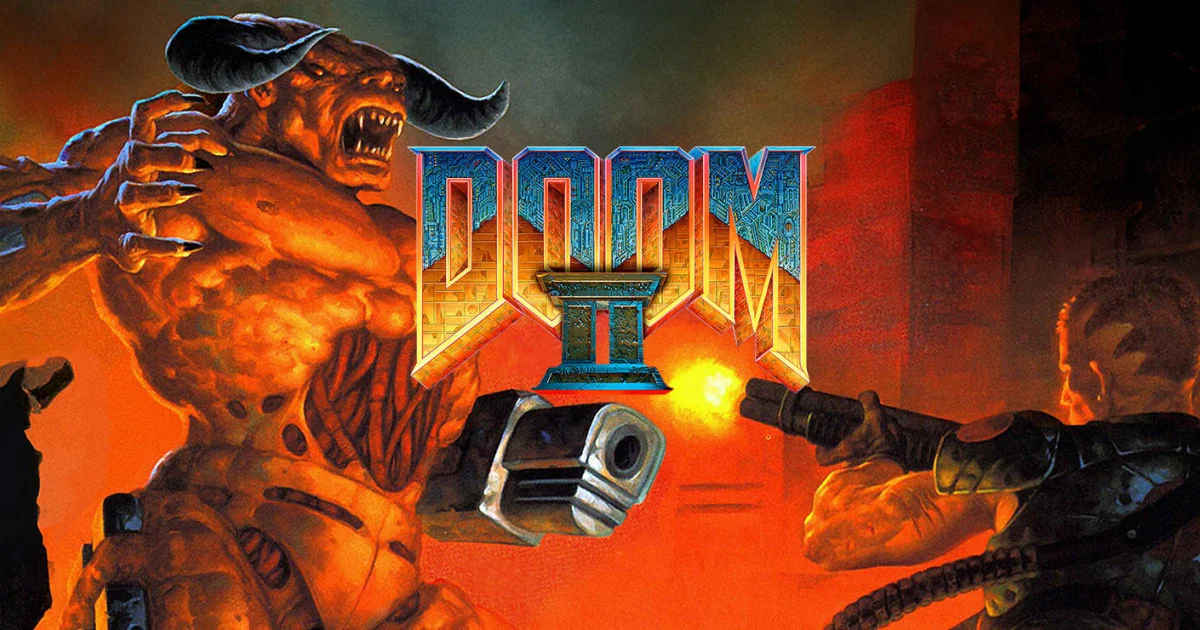
About DOOM II
DOOM II continues the original shooter’s fast movement and key-and-switch exploration, bringing the fight back to an Earth overrun by demons. You work through increasingly hostile spaces, collect weapons and look for the route that takes you closer to the next exit. Its expanded enemy roster makes choosing where to stand and which target to remove first especially important.
The super shotgun adds a powerful close-range option, but a strong weapon does not remove the need to control a room. Learn which enemies force you to move, which can threaten you from far away and where the terrain gives you breathing space. The campaign rewards useful habits from the first DOOM: preserve supplies, explore quieter corners and avoid opening a new fight before you are ready. A careful retreat can be better than committing to an attack simply because you have already started it.
How to play
- Explore campaign levels, collecting keys and using switches to reach exits.
- Choose weapons for groups, distance and the new enemies’ threats.
- Balance ammunition, health and armor as encounters become more demanding.
Beginner tips
- Use the super shotgun where its close-range burst is useful, then move during the reload.
- Deal with enemies that restrict your movement before chasing easy isolated targets.
- Save a comfortable supply reserve before entering a suspiciously open arena.
Play in your browser
This entry is the DOS.Zone emulator version of the original DOOM II. It is separate from Pieter’s multiplayer browser project and from the modern combined DOOM + DOOM II release.
Need a hand getting started? See game files and demos or the loading guide.