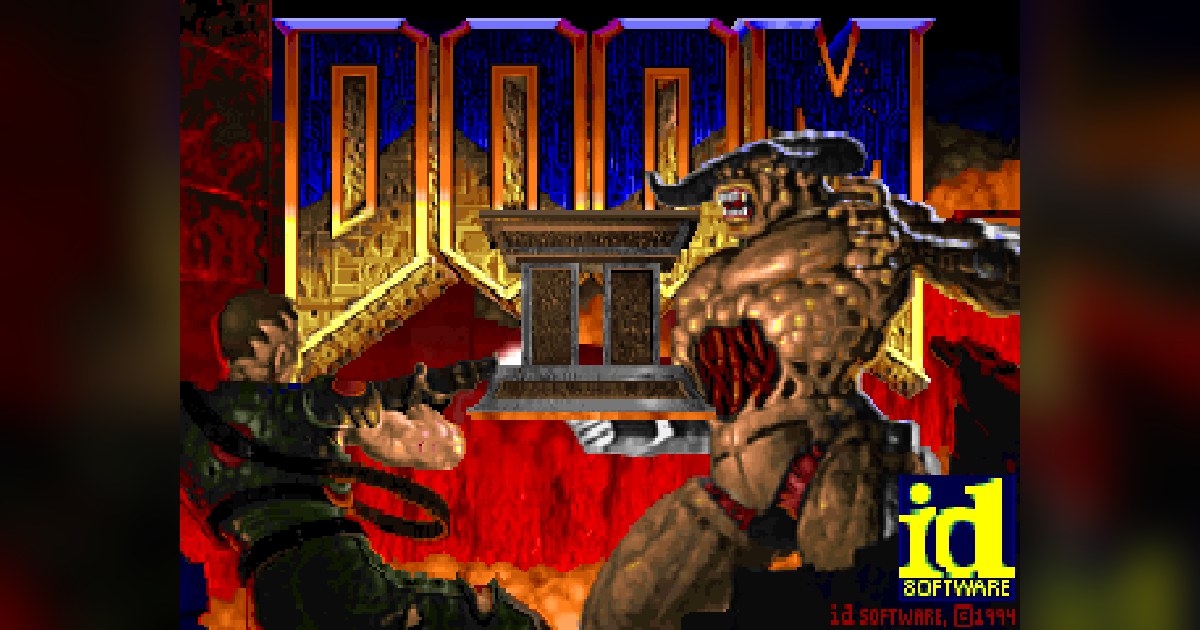
About DOOM II Multiplayer — Pieter
Pieter’s DOOM II browser entry focuses on classic deathmatch maps rather than a guided single-player campaign. Think about shared spaces: where opponents can appear, which routes expose you and where a useful weapon might change the fight. The appeal is quick movement and direct feedback, with little time between spotting a threat and choosing what to do.
The underlying DOOM style favors constant awareness of the arena. Learn the launcher’s selected map and rules, then spend an early round understanding its layout rather than concentrating only on your score. Watch where fights happen and which paths leave you with room to dodge. If a position becomes predictable, move on. A route that reliably returns you to useful supplies is often more valuable than chasing one opponent into an unfamiliar corner.
How to play
- Join the host’s DOOM II deathmatch session and learn the active arena.
- Move through the arena while finding weapons, ammunition and useful pickups.
- Fight other players using angles, dodging and control of familiar routes.
Beginner tips
- Learn where the useful pickups are before worrying about the scoreboard.
- Avoid standing in a doorway or repeating the same exposed route after every respawn.
- Choose a weapon suited to the distance and keep room to sidestep incoming attacks.
Play in your browser
This unofficial DOOM II browser port uses Odamex and focuses on classic deathmatch maps, with no desktop installation. Use the separate DOS.Zone DOOM II entry for the original DOS campaign experience.
Need a hand getting started? See game files and demos or the loading guide.