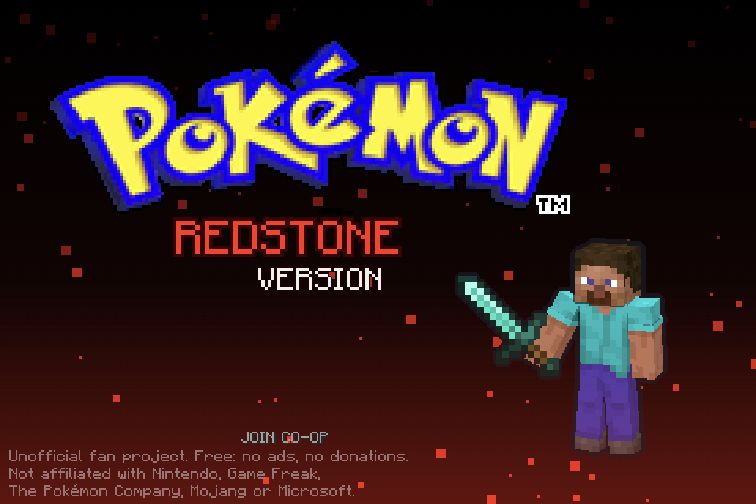
About Pokémon Redstone
Pokémon Redstone mixes Pokémon-themed presentation with a block-world interaction style. Its controls are built around moving through the environment, mining or attacking, placing and using items, talking and managing an inventory. That makes the immediate experience different from simply selecting a move in a familiar Pokémon battle menu: you have to learn how your character acts in the space around them.
A good first session is a small exploration loop. Move around a nearby area, try a safe interaction, inspect the inventory and return to a place you recognize. The same button can do different things depending on context, so pay attention to what you are facing and which item is selected. Keep early experiments modest until you understand how movement, the hotbar and item use fit together.
How to play
- Explore using the movement controls, jumping or sprinting when needed.
- Use Z for contextual mining, attacking or talking, and X for using or placing items.
- Manage your inventory and switch hotbar items for the task in front of you.
Beginner tips
- Learn Z and X separately so an intended conversation does not become another action.
- Check your selected hotbar slot before placing or using an item.
- Practice jumping and movement near a recognizable landmark before exploring farther.
Play in your browser
This is an independent Pokémon- and Minecraft-themed browser fan project. Use its own keyboard or on-screen controls; it is separate from official Pokémon games and Minecraft editions.
Need a hand getting started? See game files and demos or the loading guide.